WordPress Website Development in 2026: A Complete Guide for Businesses

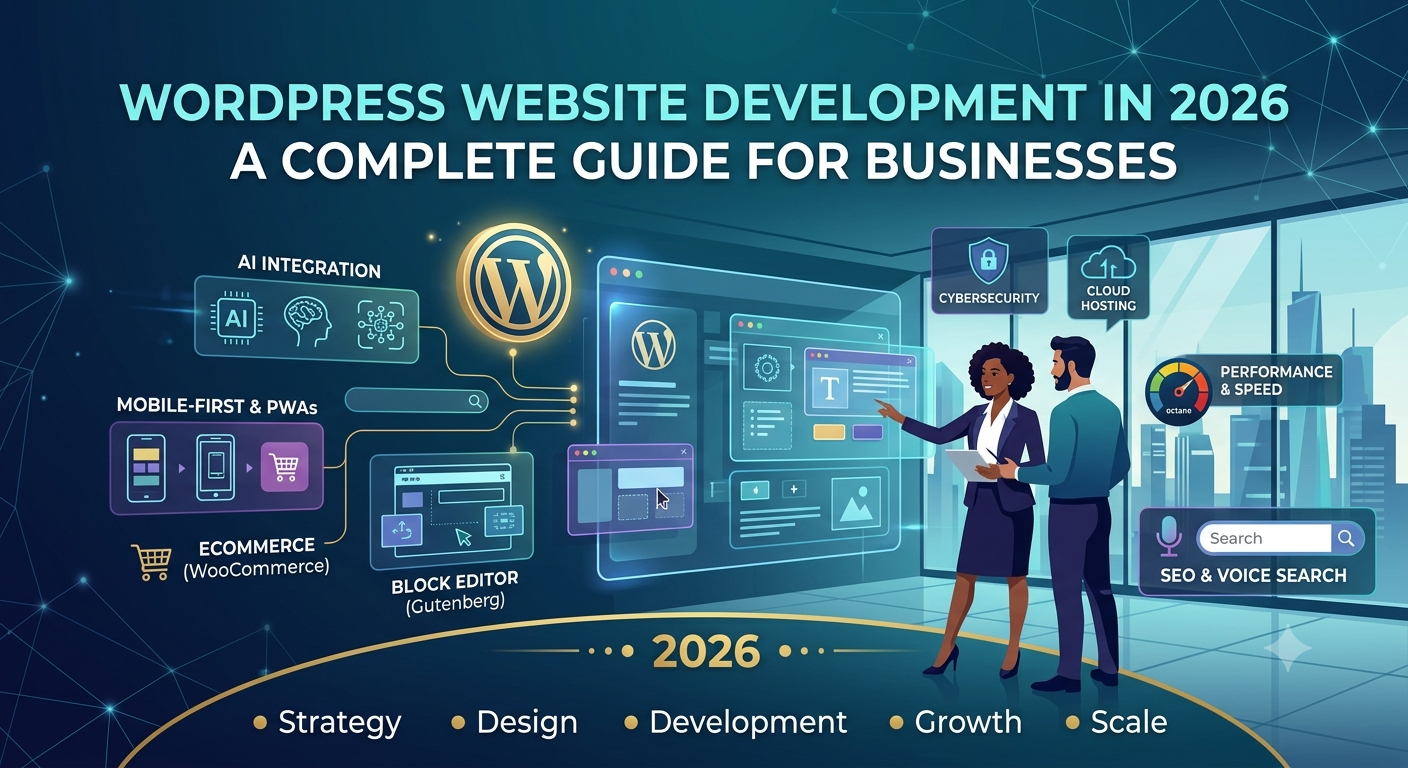
WordPress started life as a blogging tool, but it has come a long way. Today, businesses use it for corporate websites, publishing platforms, online stores, membership sites, service websites and content-heavy digital experiences.
It has kept the thing that made it popular in the first place: your team can manage content without calling a developer every time a page needs a change.
In 2026, good WordPress development is less about installing a theme and more about building a secure, fast, accessible and search-friendly website around what the organization is actually trying to achieve.
This guide covers what WordPress website development involves, when WordPress is the right choice, how to optimize it for SEO and AI search, and what to think about before you start a project.
What Is WordPress Website Development?
WordPress website development is the work of designing, building, customizing, integrating, optimizing and maintaining a website on WordPress.
A professional project can include:
- Website architecture
- Custom theme development
- Plugin development
- WooCommerce development
- API integrations
- CRM integrations
- Payment gateway integration
- Performance optimization
- Security hardening
- SEO implementation
- Analytics
- Content migration
- Maintenance and support
That is quite different from installing WordPress and picking a pre-built theme.
Why Do Businesses Still Choose WordPress?
WordPress stays popular because it pairs flexible content management with a huge development ecosystem. In practical terms, businesses get a few clear advantages.
Easy Content Management
Marketing teams can create and update pages, publish articles, manage media and keep content fresh without waiting on a developer for every small change.
Flexible Design
You can shape a WordPress site with themes, blocks, custom templates or fully custom development, depending on how far you need to go.
Large Ecosystem
WordPress connects with thousands of services and tools, including:
- Payment platforms
- CRMs
- Email marketing platforms
- Analytics systems
- Search tools
- Marketing automation
- eCommerce systems
- Third-party APIs
eCommerce Support
WooCommerce makes WordPress a good fit for businesses that want an online store sitting alongside a flexible content platform.
SEO Capabilities
WordPress gives you a solid base for a search-friendly site, with customizable URLs, easy content management, sitemaps and plenty of room for extensions.
That said, good SEO doesn’t happen by itself. Theme quality, plugins, technical configuration, content, internal linking, performance and site architecture all play a part.
WordPress Website Development vs. WordPress Theme Installation
Using WordPress and developing a WordPress website are two different things.
A basic site usually comes together like this:
- Install WordPress.
- Choose a theme.
- Install plugins.
- Add content.
For a small project, that can be enough.
A professional business website often needs a lot more:
- Custom page templates
- Brand-specific UI
- Custom Gutenberg blocks
- Custom post types
- Advanced search
- API integrations
- CRM connectivity
- Custom forms
- eCommerce workflows
- User roles
- Performance optimization
- Security configuration
- SEO architecture
- Conversion tracking
The more specific your business requirements get, the more professional WordPress development matters.
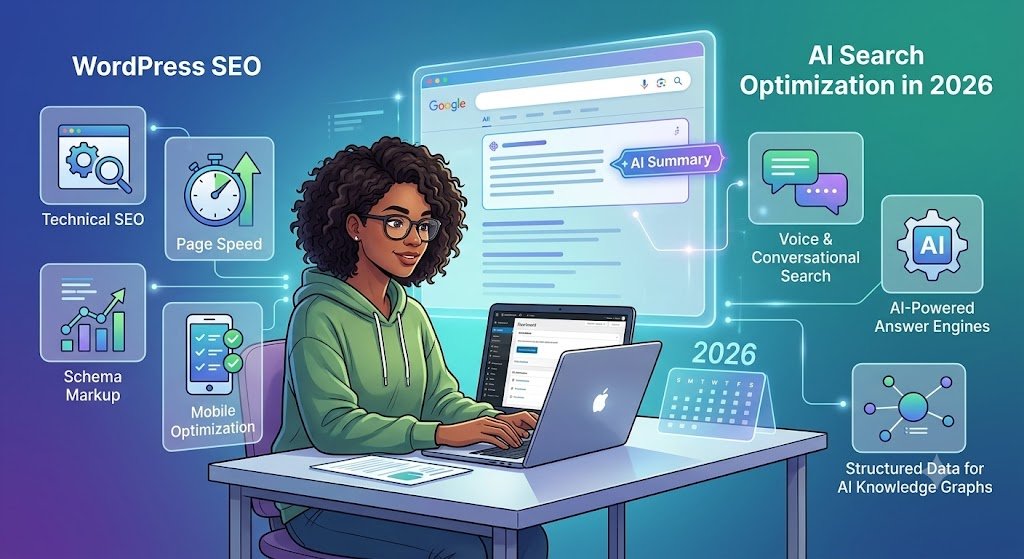
WordPress SEO: What Businesses Need to Know
WordPress can give you a strong SEO foundation, but publishing content alone won’t guarantee visibility in search. A search-friendly WordPress site needs to get several things right.
1. Search-Friendly URLs
Keep URLs short and descriptive so the topic is obvious at a glance. For example:
/wordpress-website-development/
is far easier to understand than a URL full of parameters or unrelated IDs.
2. Unique Page Titles
Every important page needs its own descriptive title that matches what people are searching for.
3. Useful Meta Descriptions
A meta description should sum up the page honestly and give searchers a reason to click.
4. Logical Heading Structure
Use one clear main heading, then organize the rest of the page with sensible subheadings.
5. Internal Linking
Link related pages together across the site.
Here at Agile Digital Edge, an article like this would naturally link to pages about:
Internal links help visitors find what they need, and they help search engines understand how your pages relate to each other.
6. XML Sitemaps
A sitemap helps search engines discover the URLs on your website.
7. Mobile Experience
Your site should work properly on phones, tablets, laptops and larger screens.
8. Performance
Large images, unnecessary plugins, too many scripts, weak hosting and inefficient code can all hurt the user experience.
For that reason, performance work belongs inside the development process, not in an emergency fix after launch.
WordPress and AI Search: Why GEO Matters
The way people search is changing. Instead of typing a couple of keywords, more users now ask full questions.
Someone who once searched for “WordPress development” might now ask:
“What should a growing business look for when hiring a WordPress development company?”
That is a real opportunity to build content around the questions your customers actually ask.
Generative Engine Optimization, or GEO, is about making your information easier for AI-powered search and answer tools to understand and reference.
A GEO-friendly WordPress article should:
- Answer the main question directly.
- Use clear headings.
- Define technical terms.
- Give practical examples.
- Include short answers to common questions.
- Show relevant expertise.
- Avoid unsupported claims.
- Keep technical details up to date.
- Connect related pages through internal links.
This isn’t about gaming AI systems. It’s about making your website a clear, useful and trustworthy source that people, and the tools they use, can rely on.
WordPress Performance Optimization
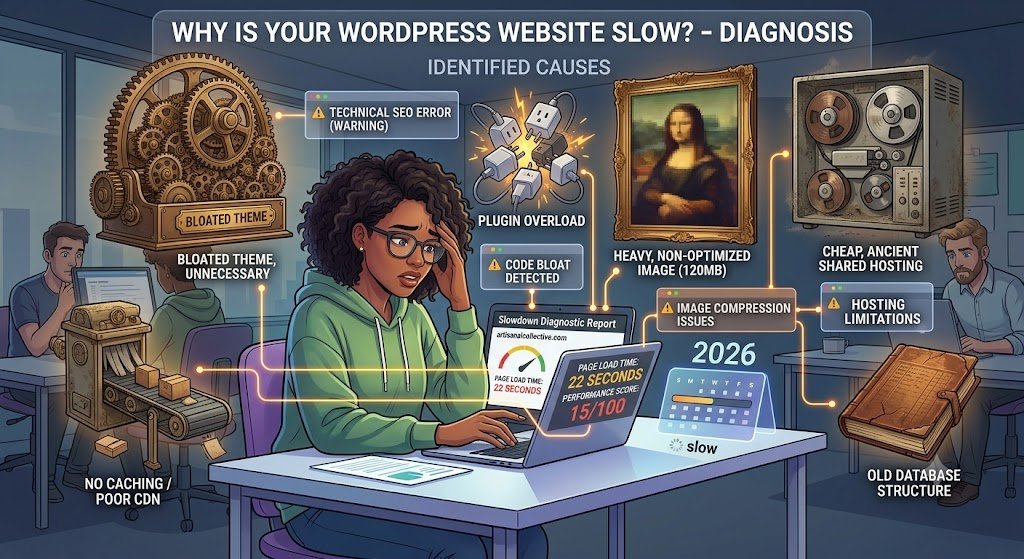
A WordPress site slows down when it loads more than it needs to.
Common causes include:
- Oversized images
- Poorly coded plugins
- Too many plugins
- Heavy themes
- Unoptimized databases
- Too many third-party scripts
- Poor hosting configuration
- Inefficient queries
- No caching
A professional performance strategy usually covers the following.
Image Optimization
Use properly sized, compressed images instead of uploading huge files straight from a camera or design tool.
Caching
Caching cuts down on repeated processing and speeds up response times.
Script Optimization
Wherever practical, load only the scripts a page actually needs.
Plugin Review
Each plugin adds functionality, but it can also add maintenance work, security risk or performance cost.
Hosting
Your hosting should fit your traffic, your application requirements and the growth you expect.
WordPress Security
Security isn’t something you do once at launch. It needs attention for as long as the site is live.
The key areas are:
- Keeping WordPress updated
- Updating themes and plugins
- Using strong authentication
- Limiting unnecessary administrator accounts
- Applying appropriate permissions
- Using HTTPS
- Maintaining backups
- Monitoring suspicious activity
- Removing unused plugins and themes
- Using reputable extensions
WordPress ships security updates whenever vulnerabilities are found, which is why regular maintenance is a basic part of running a production website.
As with any software platform, treating security as a one-time setup task is a mistake.
WordPress and WooCommerce
If you sell products online, you can pair WordPress with WooCommerce to build a full eCommerce platform.
A WooCommerce project may involve:
- Product catalogs
- Shopping carts
- Checkout
- Payment gateways
- Shipping
- Tax configuration
- Inventory
- Customer accounts
- Coupons
- Order management
- CRM integration
- Marketing automation
For businesses with highly customized purchasing workflows, WooCommerce can also be extended through custom development and APIs.
When Should a Business Choose WordPress?
WordPress is often a strong choice when a business needs:
- A content-driven corporate website
- A marketing website
- A publishing platform
- A blog
- A service website
- A knowledge base
- An online store
- A membership website
- A website managed by a marketing team
It isn’t the right answer for every project, though.
A highly specialized enterprise application with complex real-time workflows, unusual business logic or very custom requirements may be better served by a custom application architecture.
Whatever you choose, let the business requirements drive the technology decision, not the other way around.
WordPress vs. React: Which Should a Business Use?
WordPress and React aren’t direct replacements for each other. They solve problems at different layers of a digital product.
| Requirement | WordPress | React |
|---|---|---|
| Content management | Strong | Requires additional systems |
| Blog publishing | Strong | Requires CMS/content architecture |
| Marketing websites | Strong | Strong with appropriate architecture |
| Highly interactive applications | Possible | Strong |
| Custom dashboards | Possible | Strong |
| eCommerce | Strong with WooCommerce | Strong with custom architecture |
| Non-technical content editing | Strong | Requires CMS |
| Complex application UI | Possible | Strong |
| Rapid content publishing | Strong | Requires supporting infrastructure |
The two can also work side by side. WordPress can act as the content management system while React, or another front-end technology, delivers the user experience.
How Agile Digital Edge Approaches WordPress Development
At Agile Digital Edge, WordPress sits within our CMS and eCommerce development services.
Depending on what a project needs, our work can include custom WordPress development, WooCommerce solutions, integrations, performance optimization and ongoing improvements.
We don’t see WordPress as a pile of themes and plugins. We see the website as a digital business platform, which means we think about:
- Business goals
- User experience
- Content architecture
- SEO
- Performance
- Security
- Integrations
- Scalability
- Maintenance
The result is a WordPress build shaped around your organization’s requirements, not around whatever a template happens to offer.
Common WordPress Development Mistakes
Using Too Many Plugins
More plugins don’t automatically mean more value. Each one should have a clear purpose, and you should check it for compatibility, maintenance, security and performance impact.
Choosing a Theme Before Defining Requirements
Plan the website around your content, users, conversions and business workflows first. Pick the technical implementation after that.
Ignoring Mobile Users
A site that looks great on a desktop but struggles on mobile can lose both visitors and business.
Treating SEO as an Add-On
SEO should shape the site architecture, URLs, content structure, internal links, performance and technical build from day one.
Failing to Plan for Maintenance
A WordPress website is software, and software needs care.
Plan for updates, monitoring, backups, security reviews and regular performance improvements.
Frequently Asked Questions About WordPress Development
Is WordPress good for business websites?
Yes. WordPress suits many business websites, especially for organizations that need flexible content management and regular publishing.
Is WordPress good for SEO?
WordPress offers customizable URLs, content management, sitemaps and extensibility, all of which support SEO. Your actual results depend on the full implementation, content quality, technical configuration and site authority.
Is WordPress secure?
It can be, but it takes ongoing effort: regular updates, reputable themes and plugins, strong authentication, backups, monitoring and proper configuration.
Is WordPress suitable for eCommerce?
Yes. WooCommerce extends WordPress into an eCommerce platform with products, carts, checkout, payments, orders, inventory and other store features.
What is the latest WordPress version?
The best place to check is the release page on WordPress.org, since new versions arrive regularly. Whatever the number is when you read this, production websites should run the current stable release rather than a beta.
Can WordPress and React work together?
Yes. WordPress can supply the content while React powers parts of the front end. In a headless WordPress setup, WordPress works purely as the CMS and another front-end technology pulls its content through APIs.
Final Thoughts
WordPress is still a practical choice for businesses that want a powerful content management system without giving up the ability to customize their website.
But good WordPress development is about more than installing the software and choosing a theme.
The strongest projects think about content architecture, user experience, SEO, performance, security, integrations and future growth right from the start.
Whether it’s a business website, an eCommerce store, a content platform or a custom build, the right approach can turn WordPress from a simple CMS into a flexible digital platform.
Planning a new WordPress website, redesigning an existing one, migrating from another CMS or extending WooCommerce? Agile Digital Edge can help you plan and build a solution around your business requirements.